
Fast answer
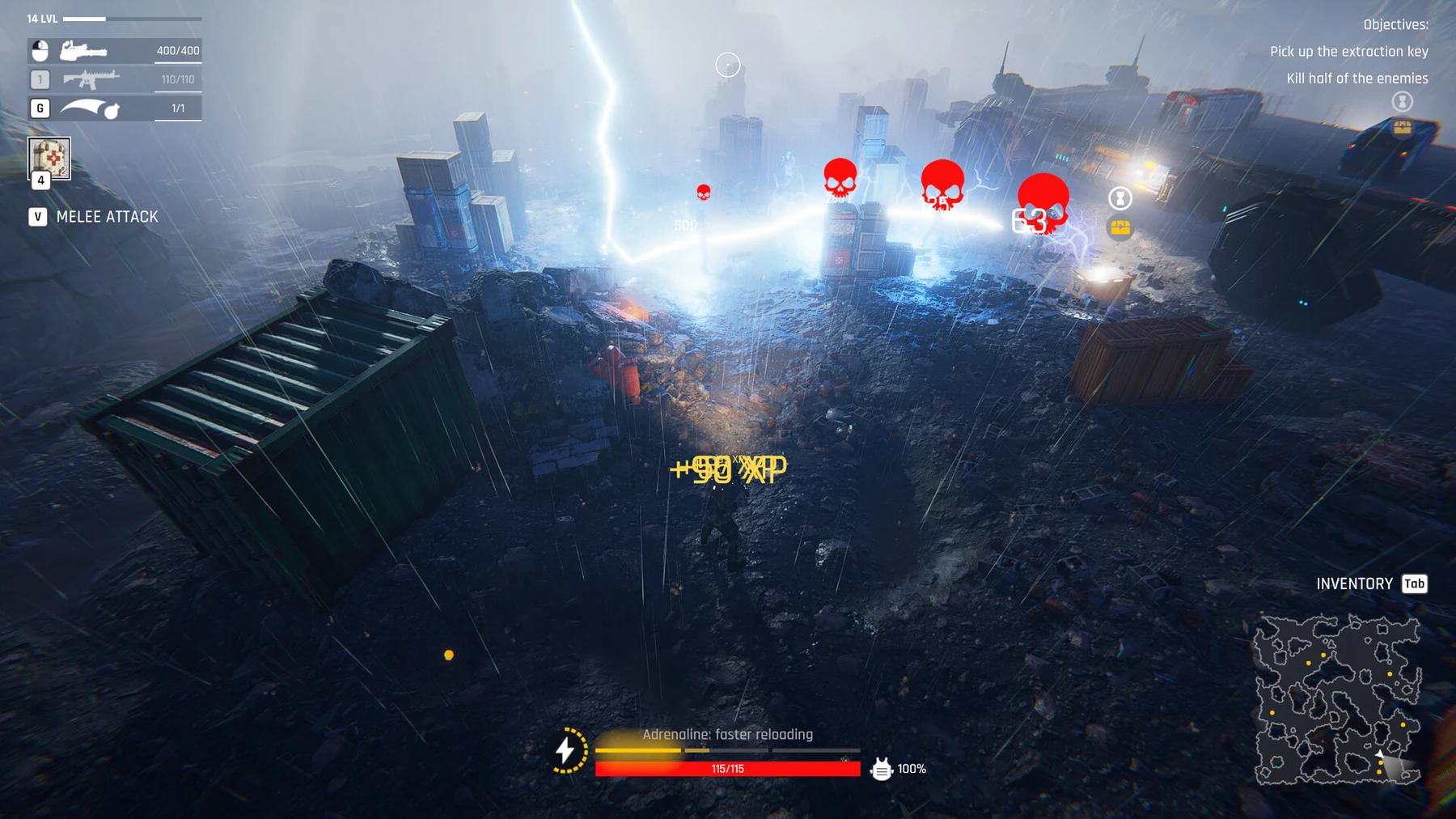
The 33-day rescue is the campaign goal; each raid has its own objective and exit requirement. Read the active mission tracker rather than following a coordinate from another procedural layout. Choose the raid reward you need before entering, and review Auto-Battle casualties if you use automatic resolution.
Two different uses of extraction
The official description sets the stranded squad’s rescue 33 days away. The playable loop includes separate raids: entering dangerous zones at night, looting and returning to base. These are related but not identical exit mechanics.
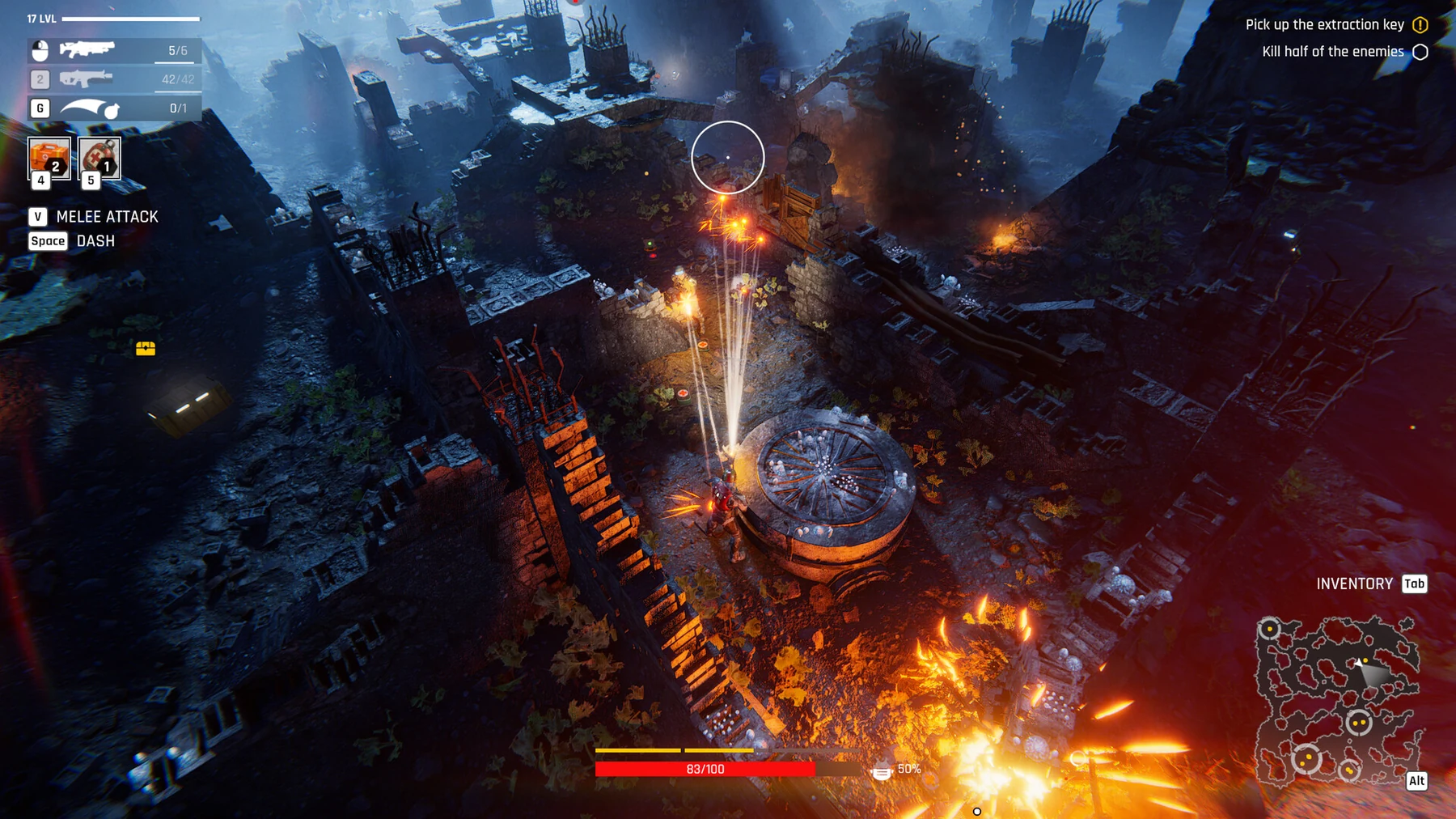
- For a raid, read its active mission tracker and available exit interaction.
- For campaign progression, track your base, roster and time in the current version.
- Use the exit shown in your current procedural layout.
Before entering, decide what a useful return looks like
In 0.0.0.858, raid card tooltips show the contents of themed loot such as Cash Case or Bundle of Rebar. Use that information to choose a mission that addresses your current credit, material or part shortage. Receiving a reward and completing a mission exit are separate parts of the plan.
- Read the guaranteed reward’s contents.
- Equip the selected fighter from Storage.
- Read the active objective and permitted exit action.
- Avoid optional encounters once the required objective and useful return are secured.
When the exit will not activate
Check the mission tracker and the interact prompt first. A closing route or unfinished objective can affect the next move, and procedural layouts make a single fixed coordinate unreliable. The 33-day counter does not replace the condition for leaving the current raid.
- Confirm the active objective is complete.
- Look for the relevant exit interaction after completing it.
- Check whether a door or route has closed behind you.
- Re-read the current objective when an old demo route differs.
Automatic resolution still needs an outcome decision
Auto-Battle lets you inspect the projected resources and casualties, then accept, play manually or retreat. Its small location-level-dependent Necromatter reward does not remove that choice. A reward that leaves your roster unable to continue may be a poor fit for the campaign.
- Review casualties and recovery options before accepting.
- Compare the gained resources with your next base bottleneck.
- Choose manual play or retreat when necessary.
- Inspect Storage and the roster after resolving the raid.
The Final Battle and what 0.0.0.787 changed
Quick Battles offer a Spaceport Battle and a Random Raid straight from the main menu, and the Final Battle becomes available there once you complete the game. Update 0.0.0.787 (September 30) re-tuned that fight: mobs now advance in groups of several instead of pressing in evenly from all directions, and the evacuation bots’ engines are noticeably louder.
- Complete the campaign to unlock its Final Battle option in Quick Battles.
- In the fight, expect grouped pushes rather than a uniform ring, and listen for the louder evacuation bots.
Demo gameplay
Demo raid field footage · Goovaxer Gaming · demo version
Patch notes and gameplay
Follow the current patch notes for changed rules and the Steam listings for the full game and demo.